
How to get more Google reviews for your small business
16 November 2026 · 11 min read
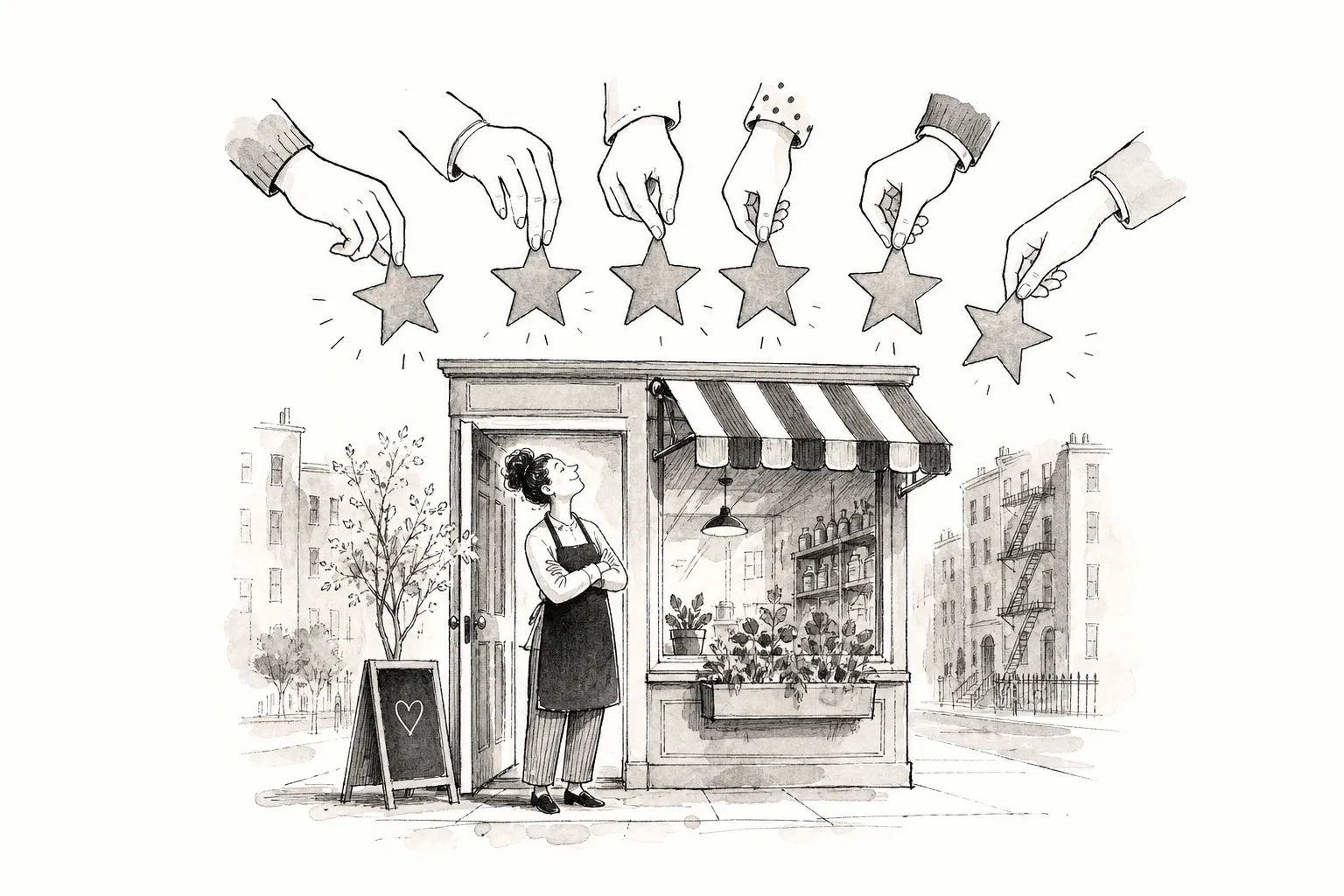
If you're asking how do I get more Google reviews for my small business, the answer comes down to four methods, ranked from least to most effective: email and SMS follow-ups, verbal in-person requests, QR codes, and NFC tap technology. The gap between a business sitting on 12 reviews and one with 300 comes down to timing and friction, not effort or service quality alone. Businesses that remove both barriers at the moment a customer feels satisfied collect reviews reliably; those that ask later, through delayed channels with extra steps, collect them sporadically.
Google permits businesses to ask customers for honest reviews of genuine experiences, but prohibits incentives, selective asking, and any pressure to steer the outcome. That rule, according to Google's own published guidelines, applies to every method in this guide. Physical tap-to-review tools have changed what passive review collection looks like for local businesses, and that shift sits at the top of this ranking for good reason. Here's how each method works, in order of effectiveness.
Key takeaways
Timing is everything: The "satisfaction window" closes fast. Requests that arrive hours later compete with a full inbox and a customer who has mentally moved on.
Friction kills completion: Every extra step between a happy customer and the review form is a drop-off point. The best methods eliminate as many steps as possible.
Email converts at around 10%: SMS performs better at roughly 15%; in-person requests reach 25–35% when the ask happens at the right moment.
QR codes can reduce friction compared with verbal-only requests: They hand the customer a physical path to the review form, removing the "how do I find you on Google?" problem.
NFC tap outperforms QR by roughly 2–3×: One tap at the point of satisfaction, no searching, no scanning required.
Google's rules are clear: Ask for honest reviews, never offer incentives, and never ask selectively based on expected sentiment.
Why timing and friction kill most review requests before they start
Timing and friction are the two barriers most small businesses never address, which is why their review count stagnates regardless of service quality. The "satisfaction window" is the short period after a positive experience when a customer is most willing to act. It's the moment a diner pushes back from a great meal, a client admires a fresh haircut in the mirror, or a homeowner sees a completed repair and feels relieved. That window is narrow, and most review requests arrive well after it has closed.
When a follow-up email lands the next afternoon, it arrives in an inbox full of competing notifications. The customer's good feeling is still there in principle, but they have mentally moved on. Asking at that point requires them to remember the experience, feel motivated to act on it, and then work through several steps to actually leave the review. Most don't.
Friction compounds the problem. Searching for the business on Google, signing in to an account, finding the review tab, each step reduces the likelihood of completion. The practical goal of every method in this guide is to progressively eliminate those steps, so the moment of satisfaction and the moment of review submission are as close together as possible.
Asking in person: where most small businesses start
Verbal requests are where most small businesses begin because they require no tools, no setup, and no cost. The conversion rate sits at around 25–35% when the ask happens at the right moment, which is higher than email or SMS. That figure makes in-person asking sound reliable, but the method has two persistent problems: it depends entirely on staff confidence, and it creates a social dynamic that many employees quietly avoid.
A simple, natural script works better than an elaborate pitch. Something like: "We're really glad you enjoyed it. If you get a moment, a quick Google review would mean a lot to us. It only takes a minute." The ask should happen at checkout or at the natural end of the interaction, not days later when the customer has forgotten the specifics.
The bigger issue is consistency. Some staff ask, some don't. Some customers feel put on the spot and nod politely without following through. Without a physical prompt to hand over, the customer still has to find the review page themselves, which reintroduces friction. For businesses with multiple staff members or high footfall, verbal-only requesting is too variable to be a primary strategy.
Email and SMS follow-ups: scalable but delayed
Email and SMS are scalable, automatable, and genuinely useful as a secondary layer. Email converts at around 3–15%, with 10% being a practical working target for a well-timed, targeted message. SMS performs better at 8–20%, largely because it's read faster and clicked more readily. Neither matches in-person conversion because both arrive after the satisfaction window has narrowed.
Timing still matters here. Send as soon as possible after the interaction, ideally within hours rather than days, to stay inside the satisfaction window. Include the customer's first name, a reference to their specific visit or purchase, one direct Google review link, and a time estimate. Phrases like "takes under a minute" reduce perceived effort and increase completion. One clear call to action, not three links and a paragraph of preamble.
Two concise review request templates that consistently perform well:
Post-service: "Thanks for choosing us for your [specific service]. If you have 60 seconds, would you share your experience on Google?"
Post-purchase: "Now that you've had a chance to try your [product], we'd love your honest thoughts."
For SMS, the highest-converting format is personal and brief: "Hi [Name], thanks for visiting [Business Name] today. A quick Google review would really help us: [Direct Link]." Always include opt-out language in SMS messages where required.
As a benchmark: combining SMS and email in a sequence produces around 26 reviews per 100 requests, outperforming either channel alone. Start with 10% for email and 15% for SMS, then measure over at least 100 requests per channel before drawing conclusions.
Google review QR codes: cutting the steps between customer and review form
QR codes are a meaningful upgrade from verbal requests because they hand the customer a physical path to the review form. The "how do I find you on Google?" problem disappears. Scan, land on the form, write the review, the barrier drops and conversion follows.
Creating your Google review QR code takes a few minutes via desktop. Sign in to the account that manages your Google Business Profile and open the profile. Select "Read reviews," then "Get more reviews," and you'll find the QR code alongside your review link. Right-click the QR code and save it. Test it on both iPhone and Android before printing to confirm it opens the review form correctly and remains readable at the size you're printing it.
Placement matters as much as creation. The highest-performing locations are table tent cards in restaurants, checkout counters in retail and salons, appointment cards, receipts, and packaging inserts. The principle is simple: place the code at the point of maximum satisfaction, not buried in a website footer. A QR code at the right moment with a clear prompt, "Enjoyed your visit? Scan to leave us a quick Google review," works far better than one that sits quietly on a wall with no instruction attached.
How do I get more Google reviews for my small business using NFC tap technology?
NFC tap is the top-ranked method because it eliminates both barriers simultaneously. The tool is physically present at the moment of satisfaction, and the customer's action is a single tap. Unlike every other method in this guide, it doesn't depend on staff memory, follow-up timing, or customer motivation to seek out the review form.
The mechanics are simple: a customer taps their phone on a branded NFC stand or card and is taken instantly to the Google review form, a social media page, or a booking link. No app is required, and no additional steps are needed. Any modern smartphone handles it. Bear in mind that customers will still need to be signed in to a Google account to submit their review, as Google requires this, but NFC removes the navigation and scanning friction that causes most drop-offs before that point.
This is precisely what we've built at Powerful Reviews. Our NFC tap stands and cards are designed for local businesses across restaurants, salons, retail shops, and service providers, sending customers to Google, Tripadvisor, Trustpilot, Instagram, Facebook, or a booking link in a single tap.
Every stand and card comes with its own tracked link, so you can see exactly how many taps each physical touchpoint is generating, broken down by location. Monthly insight reports record baseline numbers at launch and track growth week by week. For multi-location operators, location-level analytics show which sites are performing and which need attention. The whole system is GDPR-conscious and requires no app on the customer's phone.
The core value is straightforward: when a tap stand sits on the counter at checkout, the happy moment does the work. Staff don't have to ask, timing doesn't need managing, and no follow-up is needed. It's the difference between chasing reviews and capturing them.
Passive vs active review collection: which approach suits your business?
Active methods such as asking in person, sending email, and SMS require ongoing effort and depend on timing and staff behaviour. Passive methods, including QR codes and NFC tap tools, work continuously without staff involvement once set up. Observed conversion data suggests NFC tap-to-review stands convert at roughly 2–3 times the rate of QR codes when both are presented equally well, making the case for combining both on a single stand.
Method Approx. conversion rate Staff effort required Timing vs satisfaction window Customer friction Best suited to Email follow-up 3–15% Low (once automated) Delayed: hours or days later Moderate E-commerce, service businesses with customer data SMS follow-up 8–20% Low (once automated) Delayed: hours later Low to moderate Appointment-based businesses, tradespeople Verbal in-person ask 25–35% High (staff dependent) At the moment Moderate (customer still searches) Small teams, high-touch service businesses QR code at point of sale Moderate Very low (set and forget) At the moment Low Restaurants, salons, retail NFC tap stand or card 2–3× higher than QR Very low (set and forget) At the moment Minimal All local businesses; ideal for multi-location operators
For most local businesses, the highest-volume strategy combines a passive physical touchpoint at the point of sale with a light email or SMS follow-up for customers who didn't engage in person. The physical tool captures the motivated majority; the follow-up recovers some of the rest. Neither works as well alone as they do together.
The strategy that compounds reliably
To summarise the ranked hierarchy: email and SMS are scalable but delayed; in-person asking converts well but inconsistently; QR codes reduce friction meaningfully; NFC tap closes the gap between satisfaction and submission with nothing in between. Each step up the ranking removes another barrier, and removing barriers is what turns a sporadic trickle of reviews into a steady, compounding stream.
For small businesses that want a consistent, growing review count without relying on staff confidence or follow-up timing, acting at the moment of happiness is the only strategy that compounds reliably. Industry benchmarks suggest an initial lift in local search visibility can appear around the 10-review mark, with a more competitive position emerging at 20–50 reviews, and that a steady cadence of roughly 3–5 genuine reviews per month matters as much as total volume.
So, how do I get more Google reviews for my small business? Start by cutting timing and friction simultaneously. Tools like Powerful Reviews are built precisely for that outcome: a single tap at the right moment, tracked at the location level, reported monthly, and working while you focus on doing the job that earned the review in the first place. Get in touch with our team to see how a tap stand could fit into your business.
Frequently Asked Questions
Is it allowed to ask customers for Google reviews?
Yes, Google permits businesses to ask customers for honest reviews of genuine experiences. We must never offer incentives, ask selectively or pressure customers to steer the outcome, because those practices are prohibited by Google's guidelines.
Do customers need an app or to be signed in to leave a review via NFC or QR?
Customers do not need any additional app to use NFC or QR, any modern smartphone handles the tap or scan and opens the review form. They will still need to be signed in to a Google account to submit the review, as Google requires this.
How do we measure how many people use an NFC tap stand or card?
Every stand and card comes with its own tracked link so we can see exactly how many taps each physical touchpoint generates by location. We provide monthly insight reports that record baseline numbers at launch and track growth week by week, with location-level analytics for multi-location operators.
Where should we place QR codes or NFC stands to get the best results?
Place the code or stand at the point of maximum satisfaction, for example, table tent cards in restaurants, checkout counters in retail and salons, appointment cards, receipts and packaging inserts. The principle is to position the physical touchpoint where customers are most likely to feel motivated to leave a review.
Want more reviews like this?
See how Powerful Reviews turns happy moments into Google reviews and social follows in a free 30-minute demo.
Book a free demo