
Google Reviews
Google review NFC stands and NFC/QR cards.
Most local customers check Google before they visit. Customers tap our NFC-only Google review stand or tap a card to open your review form. Cards also have a QR code on the back to open your Customer Page, no searching and no app needed.
Book a Free DemoGoogle Reviews NFC stands and NFC/QR cards
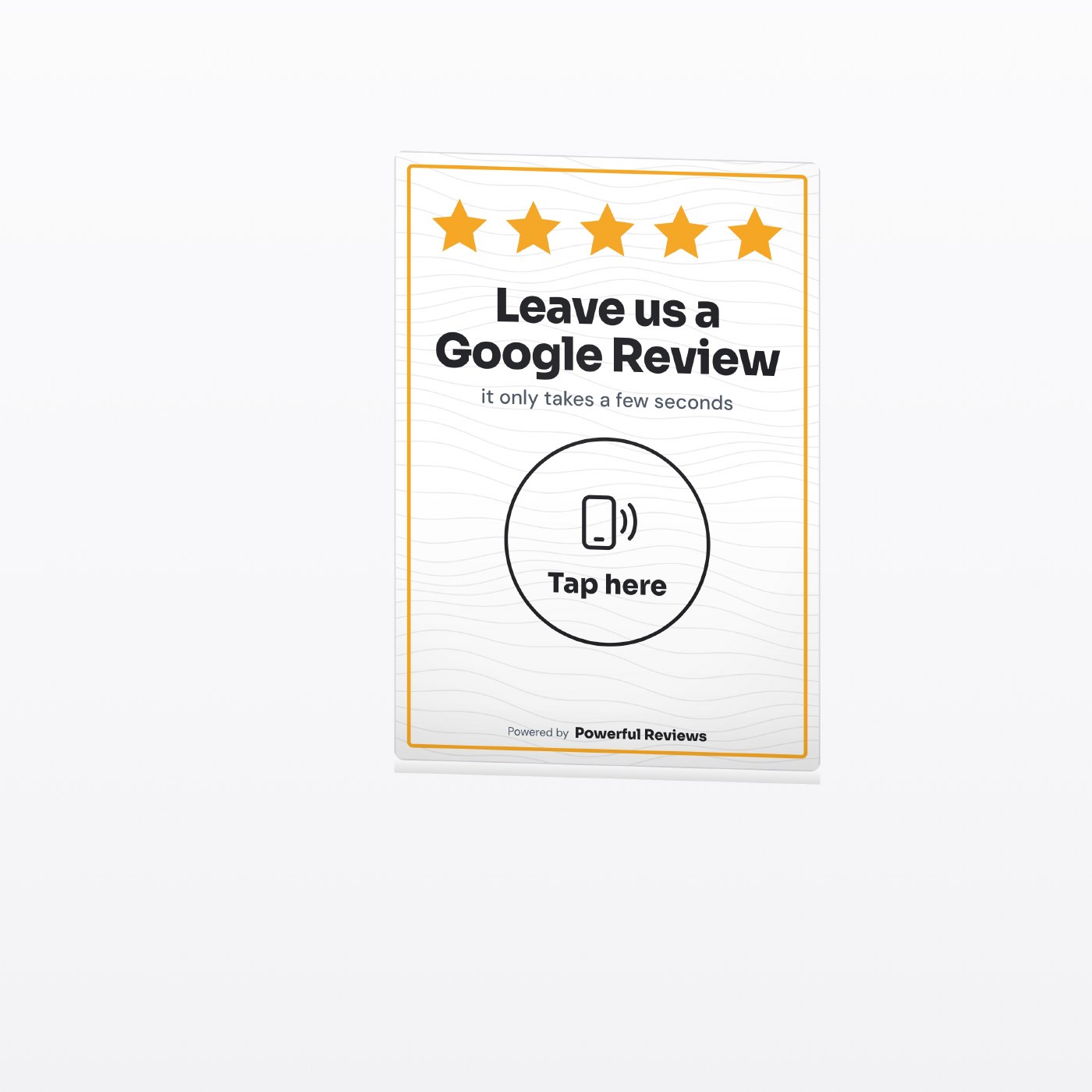
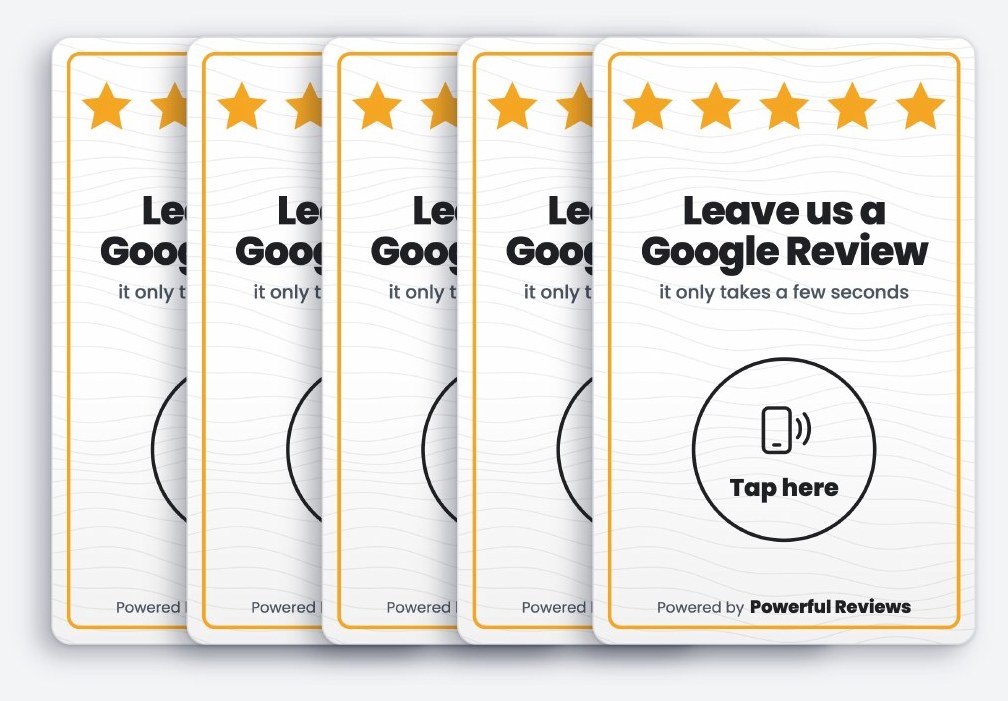
Tap the stand or card with a compatible NFC phone, or scan the QR code on the back of a card. Stands have no QR code. Opens your Google review form directly. No app needed.
Why Google Reviews matters
- Google reviews show on Maps and local search results
- Star ratings shape which business people choose
- Fresh reviews show you are active and trusted
- Replying to reviews builds confidence with new customers
What we track for you
- NFC taps by stand or card, and QR scans from cards
- Your Google review count from launch
- Your average star rating over time
- New reviews shown in your portal
Taps and scans are counted live. Available platform totals are recorded separately at launch and in your reports.
Best places for it
Popular with
Using your Google Reviews pack
How Google Reviews links work for your customers
A direct route to your Google review form
We use the review destination for your business so customers do not have to search through similarly named listings. During onboarding, check that the link opens the correct business and location before the stand or cards are put into use.
The link opens the Google review journey. Customers may need to sign in to Google and still need to choose a rating and submit their own words. A tap is not a completed review.
Ask for honest feedback, not a particular rating
Place the stand where customers can use it comfortably, such as a reception desk or till. A portable card works for a service handover. Invite everyone to share their experience rather than screening customers by how happy they appear.
Keep the request separate from discounts and rewards. Your Google review count and average rating are recorded separately from item activity, giving you a view of reputation without claiming each review came from a card.
Setup, tracking and changing your links
NFC taps and QR scans have different journeys
Stands contain an NFC chip only. Cards have NFC on the front and a QR code on the back, each containing a permanent Powerful Reviews web address. When an assigned, active item is used, we record the interaction before directing the customer onward. An NFC tap goes to its configured destination, while a card QR scan opens your Customer Page, where customers can choose from your links. NFC requires a compatible phone; the QR code on a card provides a camera-based alternative.
Update the destination without replacing the item
If your Google Reviews address changes, update the assigned destination in your portal. The permanent code stays the same, so you keep the physical stand or card and its recorded history. Replacing the chip's tracked address with a direct external URL would bypass Powerful Reviews tracking.
See engagement in context
Your portal separates item taps and scans from Customer Page button clicks. One visit can include more than one action, so these are not unique customer counts. Recorded review totals and ratings help you compare your reputation with its launch baseline, but cannot prove that an individual tap produced a review. Reviews remain on the platform where the customer submits them.
See how the complete setup works, explore Your Customer Page, or browse the full range of stands and cards.
Google Reviews questions
Google Reviews cards and stands: common questions
What is a Google Reviews NFC card or stand?+
A Powerful Reviews counter stand has an NFC chip only. A card has NFC on the front and a QR code on the back. Opens your Google review form directly. Customers tap with a compatible phone or scan the back of a card with their camera, with no app needed.
Will a Google Reviews tap card guarantee more reviews?+
No honest provider can guarantee that. The card removes effort by taking customers straight to your Google Reviews page in seconds. We record every tap and scan, and track your Google Reviews totals against your launch baseline where readings are available.
Where is the best place to put a Google Reviews stand?+
Good locations include Counters and tills, Tables and Handed over after a job. Choose a spot where customers have a moment to pause and pick up their phone.
Can I change my Google Reviews link after the card arrives?+
Yes. The chip and QR code hold a permanent Powerful Reviews address, so you can update the Google Reviews destination in your portal without replacing the card or losing its history.
What does Powerful Reviews track for Google Reviews?+
We track nfc taps by stand or card, and qr scans from cards, your google review count from launch, your average star rating over time and new reviews shown in your portal. You see it all in your client portal and monthly report summary.
Get your Google Reviews pack.
A 30 minute call, then a posted pack with a stand and cards for each site you choose. £199 one off setup, then £99 a month.