
Digital Menu
Menu NFC stands and NFC/QR cards.
Open your menu with a tap or scan. Update it any time without reprinting, and see how often it is opened.
Book a Free DemoDigital Menu NFC stands and NFC/QR cards
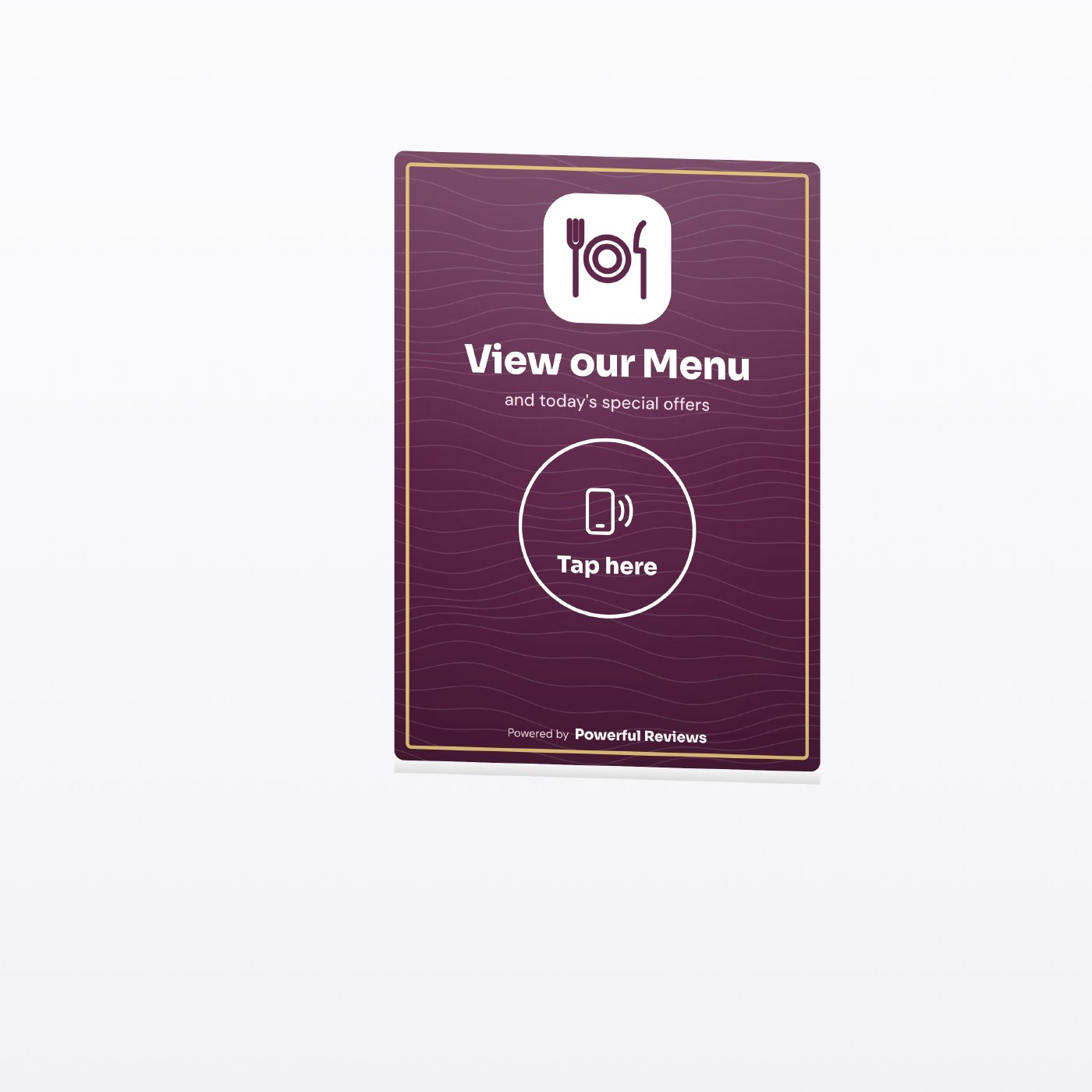
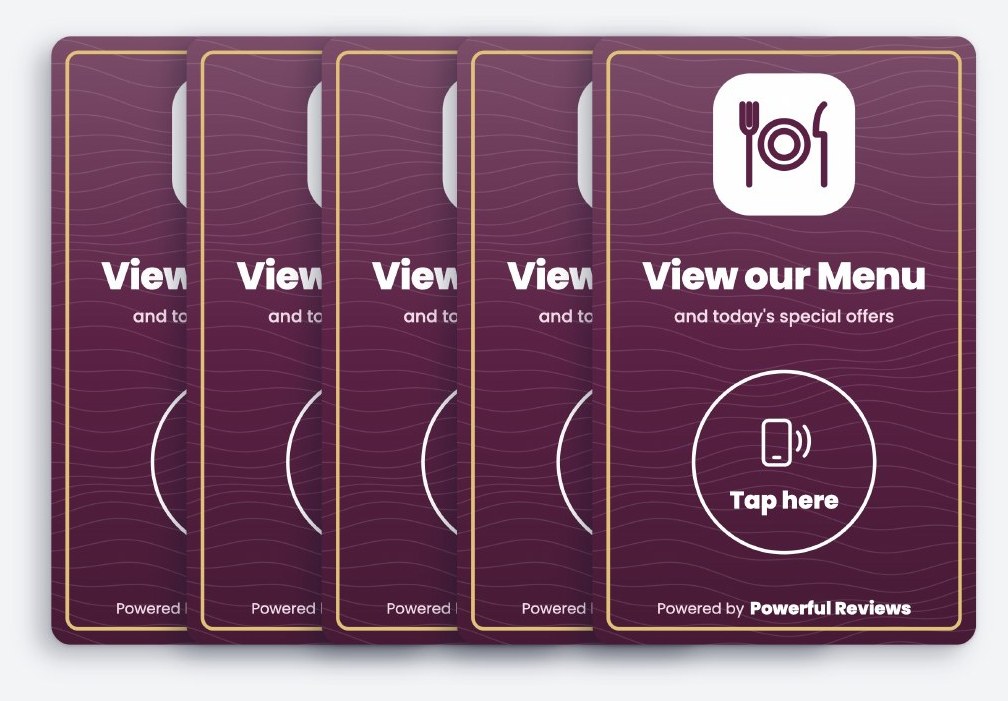
Tap the stand or card with a compatible NFC phone, or scan the QR code on the back of a card. Stands have no QR code. Opens your menu online. No app needed.
Why Digital Menu matters
- Change prices and dishes without reprinting
- Fewer questions for busy staff
- Your review and social links sit alongside
- Clean, simple tables
What we track for you
- Every tap and scan
- Menu opens by table or stand
- Busiest days and times
Taps and scans are counted live. These are visits to your linked information, not confirmed orders, connections or sign ups.
Best places for it
Popular with
Using your Digital Menu pack
How Digital Menu links work for your customers
Digital menu access without replacing your items
The NFC-only menu stand links to the menu page or document you maintain online. Guests tap it at the table with a compatible NFC phone. Cards also have a QR code on the back, opening your Customer Page where guests can choose the menu link.
Update the linked menu when dishes or prices change. If the menu moves to a new address, change the assigned destination in your portal so the same physical stand remains useful.
Understand where guests open your menu
Separate item codes can distinguish different table stands or a bar counter. Review those visits to understand which touchpoints are being used, and check the menu itself on a phone so text remains easy to read.
A menu visit is not an order or a record of which dishes someone viewed. The technology links to your existing menu; it does not add an ordering or payment system to that destination.
Setup, tracking and changing your links
NFC taps and QR scans have different journeys
Stands contain an NFC chip only. Cards have NFC on the front and a QR code on the back, each containing a permanent Powerful Reviews web address. When an assigned, active item is used, we record the interaction before directing the customer onward. An NFC tap goes to its configured destination, while a card QR scan opens your Customer Page, where customers can choose from your links. NFC requires a compatible phone; the QR code on a card provides a camera-based alternative.
Update the destination without replacing the item
If your Digital Menu address changes, update the assigned destination in your portal. The permanent code stays the same, so you keep the physical stand or card and its recorded history. Replacing the chip's tracked address with a direct external URL would bypass Powerful Reviews tracking.
See engagement in context
Your portal separates item taps and scans from Customer Page button clicks. One visit can include more than one action, so these are not unique customer counts. Use activity by item and reporting period to compare where guests access your information. Completed actions on the destination require their own measurement.
See how the complete setup works, explore Your Customer Page, or browse the full range of stands and cards.
Digital Menu questions
Digital Menu cards and stands: common questions
What is a Digital Menu NFC card or stand?+
A Powerful Reviews counter stand has an NFC chip only. A card has NFC on the front and a QR code on the back. Opens your menu online. Customers tap with a compatible phone or scan the back of a card with their camera, with no app needed.
Does a Digital Menu card show how many people used it?+
Yes. Every tap and scan is counted live in your portal by item and date. These are visits to your linked information, not confirmed completed actions.
Where is the best place to put a Digital Menu stand?+
Good locations include Tables, Bar counter and Windows. Choose a spot where customers have a moment to pause and pick up their phone.
Can I change my Digital Menu link after the card arrives?+
Yes. The chip and QR code hold a permanent Powerful Reviews address, so you can update the Digital Menu destination in your portal without replacing the card or losing its history.
What does Powerful Reviews track for Digital Menu?+
We track every tap and scan, menu opens by table or stand and busiest days and times. You see it all in your client portal and monthly report summary.
Get your Digital Menu pack.
A 30 minute call, then a posted pack with a stand and cards for each site you choose. £199 one off setup, then £99 a month.